Share Transfer Document |
 |
| <Authentication> | Step 1 | Step 2 | Step 3: Upload Data File | Step 4 | Step 5 | Step 6 | |
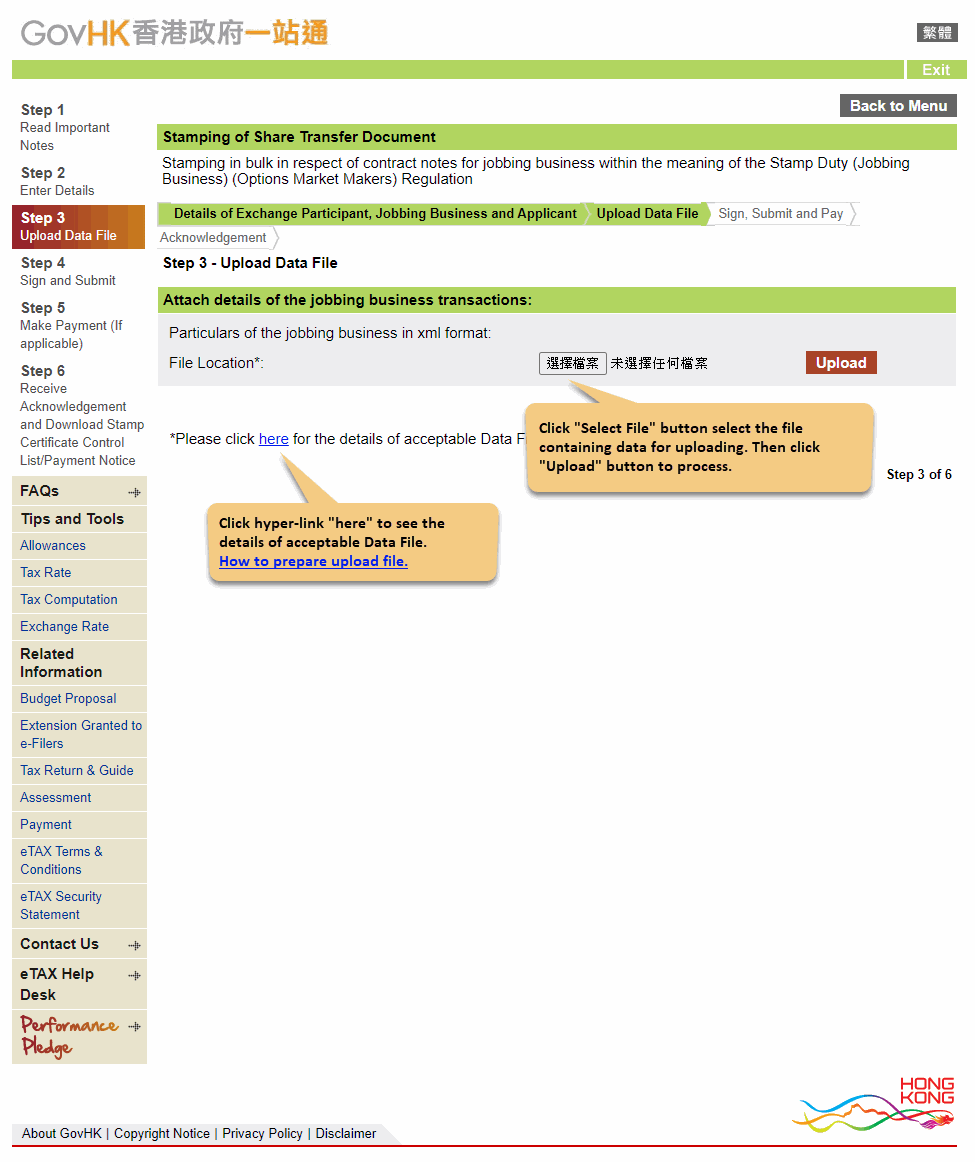
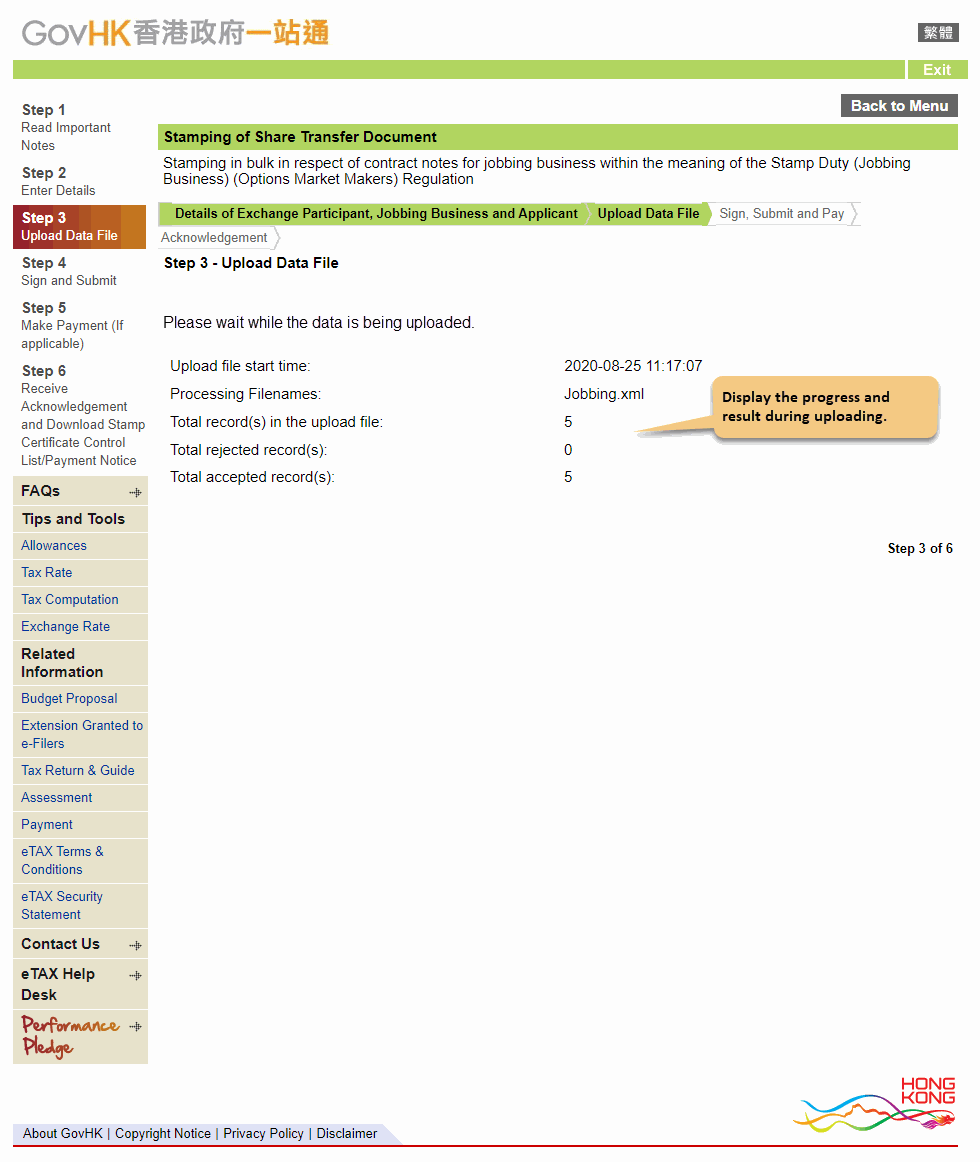
When the format of upload file is not correct, below screen will be shown.
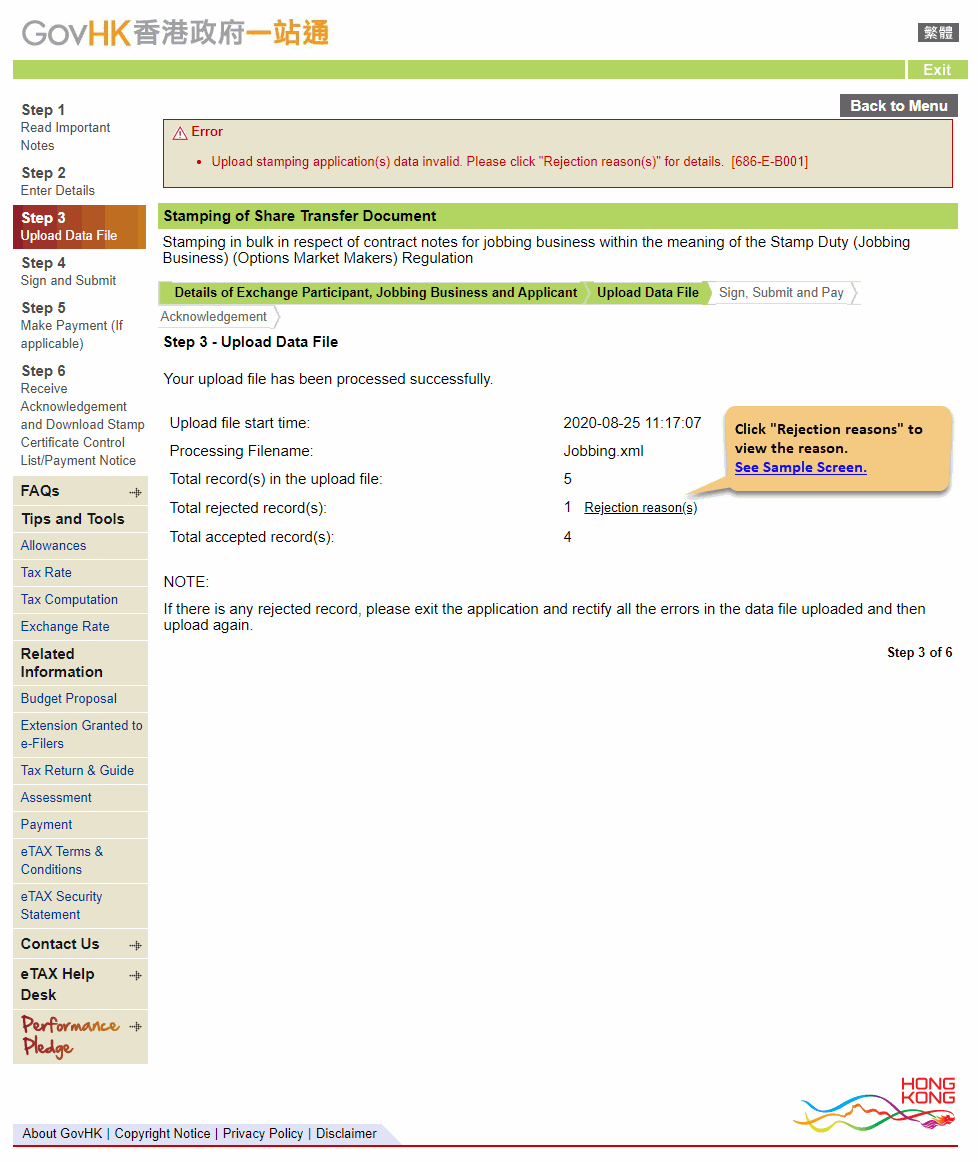
When you click "Rejection reasons" hyperlink, the system will display a dialogue box showing the reason of rejection.

 |
 |