Share Transfer Document |
 |
| <Authentication> | Step 1 | Step 2 | Step 3 | Step 4: Sign and Submit | Step 5 | Step 6 | |
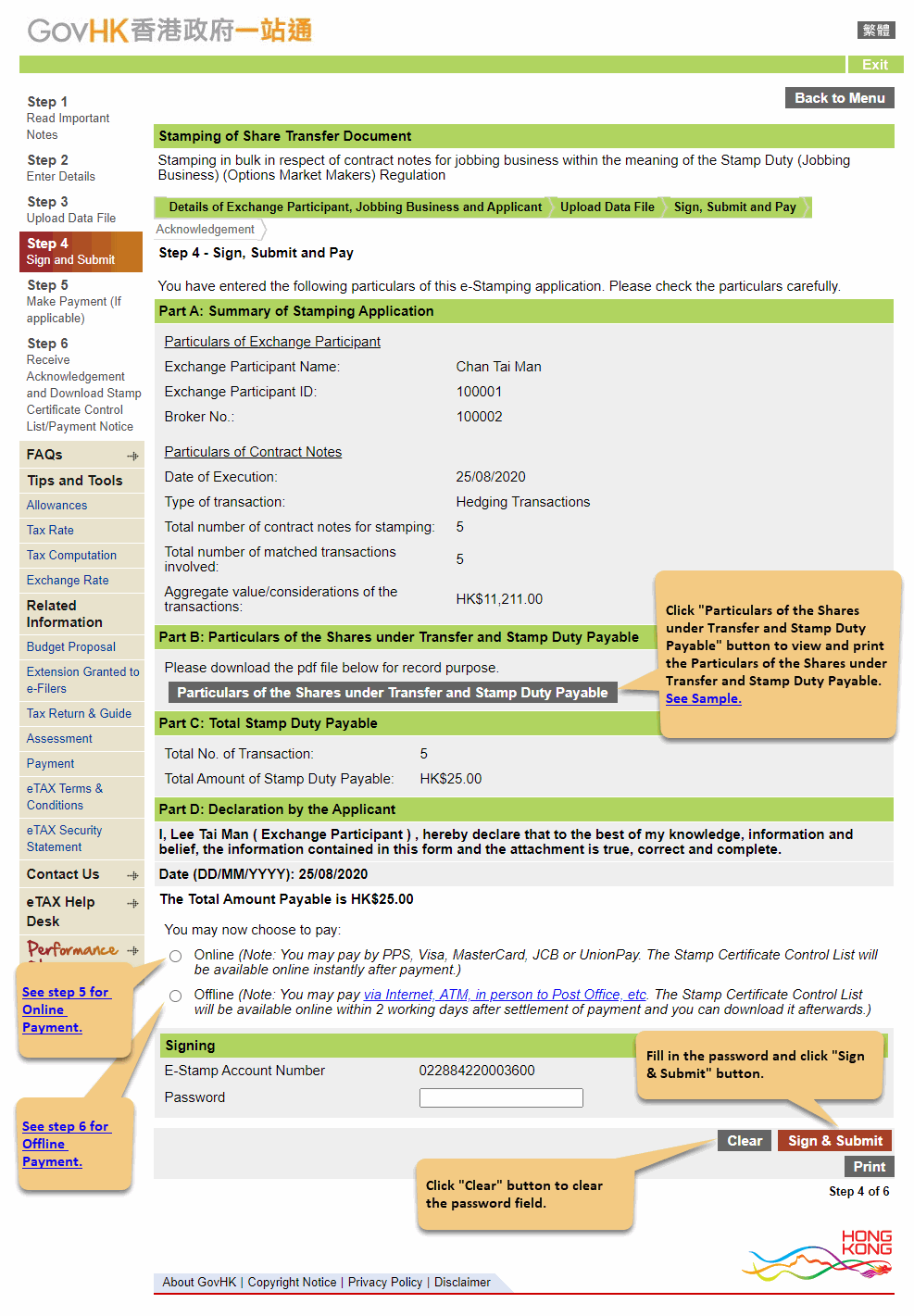
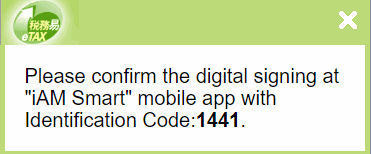
If using "iAM Smart" mobile app, the system will display a dialogue box showing
the identifiation code after clicking "Sign & Submit" button.
Please follow the instruction on device "iAM Smart" application to continue the signing process.
 |